Phone:
(701)814-6992
Physical address:
6296 Donnelly Plaza
Ratkeville, Bahamas.

Phone:
(701)814-6992
Physical address:
6296 Donnelly Plaza
Ratkeville, Bahamas.
Calculate the total dead load and linear load of walls for structural planning.
Total Wall Load
0 lbs
Self-weight only
Volume
0 ft³
Area (Face)
0 ft²
Linear Load
0 lb/ft
Weight/Area
0 psf
Your feedback helps us build better tools.
A Wall Load Calculator is a structural engineering tool used to estimate the "dead load" or self-weight of a wall. It takes the physical dimensions of the wall (length, height, thickness) and the material density (e.g., concrete, brick, wood) to compute the total weight exerted on the foundation or supporting beams. This is essential for ensuring structural safety and preventing overload.
Determine the static load in minutes.
Measure the length and height of the wall in feet, and the thickness in inches.
Select the wall material to determine density (e.g., Concrete is approx 145 lbs/ft³).
Multiply Volume (ft³) by Density (lbs/ft³) to get the Total Dead Load.
Calculating wall load is essentially a volume and density calculation. By determining the total volume of the wall and multiplying it by the material's weight per cubic foot, we derive the total static load.
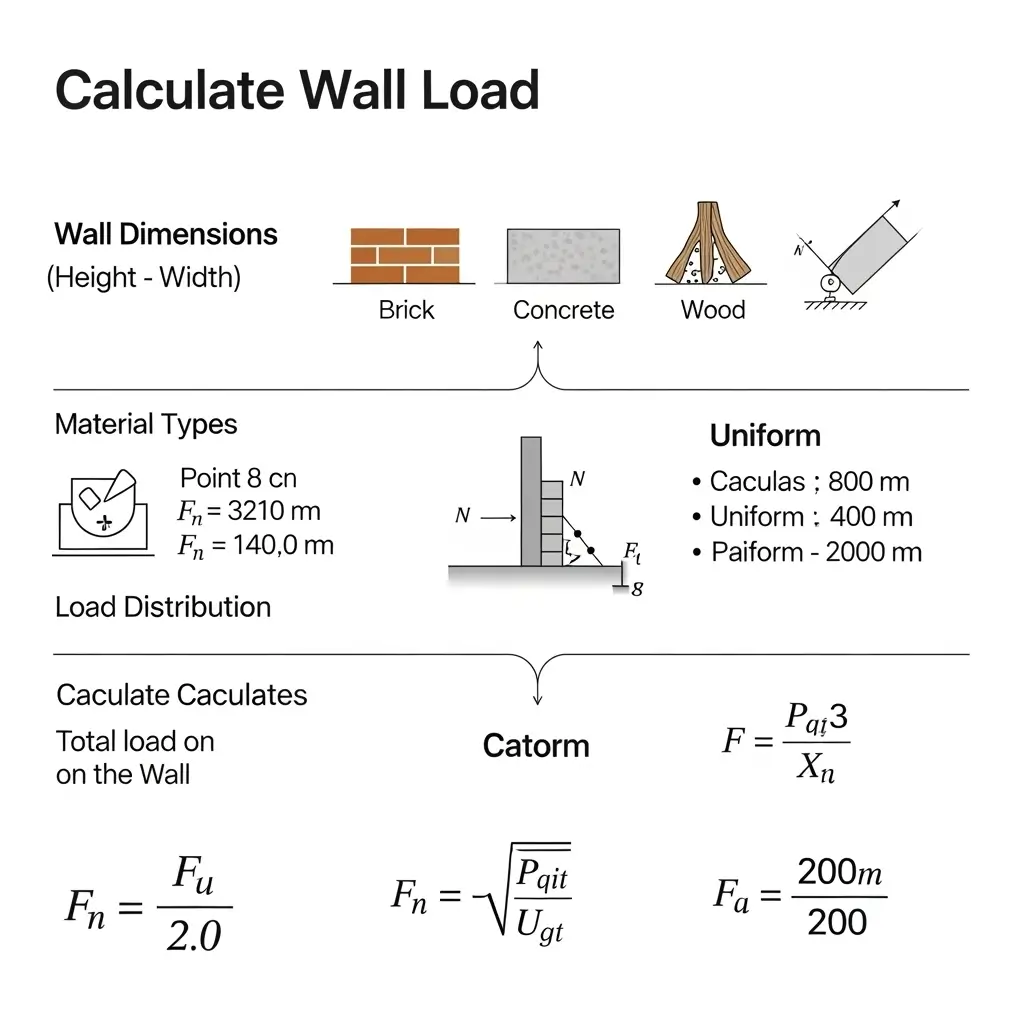
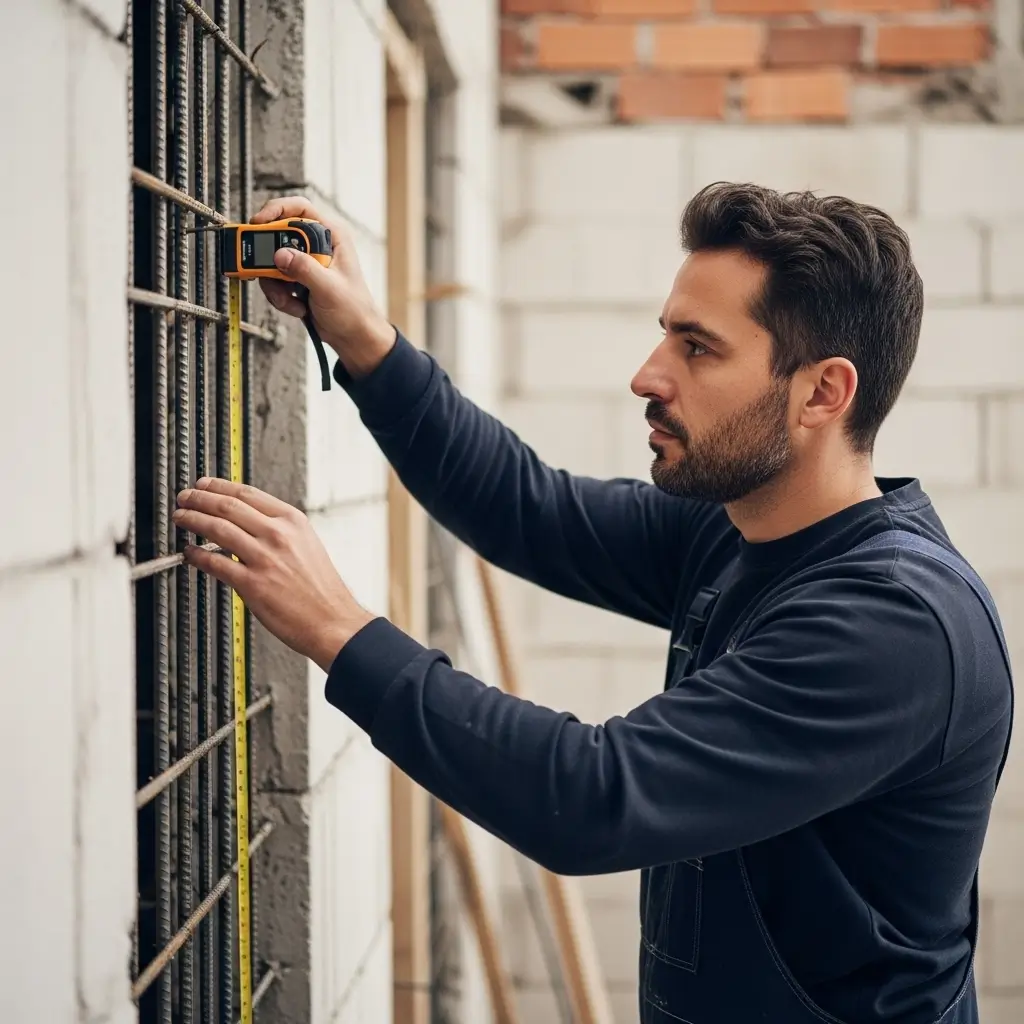
Understanding the "Dead Load" of a wall is critical for structural integrity. Whether you are adding a partition wall to an existing floor or designing a foundation, you must ensure the supporting structure can handle the weight.
Overloading joists or beams with heavy masonry walls without proper support can lead to sagging, structural failure, or cracking finishes. This calculator helps estimates the static weight you need to support.
Dead load refers to the permanent, static weight of the structure itself, including walls, floors, roofs, and fixed equipment. This calculator specifically estimates the dead load of a wall.
Divide the value in inches by 12. For example, an 8-inch thick wall is 8/12 = 0.67 feet thick. Our calculator handles this conversion automatically when you input thickness in inches.
If you select the specific material (e.g., "Concrete"), it calculates the weight of that core material. To be precise, you should add the weight of finishes (like ~5 psf for drywall on both sides) or select "Custom Density" and input a composite value.
Linear load (or line load) describes the weight distributed along the length of the wall, usually expressed in pounds per linear foot (plf). This is useful for sizing the continuous footing or beam directly underneath the wall.
Standard common brick typically weighs around 120 lbs/ft³. However, this can vary based on the clay and manufacturing process. High-density engineering bricks can weigh more.
Thickness directly affects the volume. A 12-inch thick concrete wall creates 50% more load than an 8-inch wall of the same height. Accurate thickness input is crucial for a safe estimate.
Yes. Even non-load bearing partition walls add dead load to the floor joists below. You should calculate their weight to ensure the floor system is stiff enough to support them without excessive deflection.
This basic calculator assumes a solid wall. For a more precise calculation, you should calculate the volume of the opening (door/window) and subtract its weight from the total. However, assuming a solid wall provides a safer, conservative estimate.
James H.
Structural Engineer
"Quick and efficient for preliminary load takedowns. Very handy."
Maria S.
Architect
"Good tool, but would love to see an option for hollow blocks vs filled blocks explicitly."
Tom R.
Contractor
"Saves me a lot of manual calculation time on site."
Kevin B.
DIYer
"Basic but works. Doesn't account for doors/windows though, so you have to subtract that manually."
Sarah L.
Student
"Helped me check my homework for structural analysis class. Accurate results."
George W.
Builder
"Solid calculator. The visualization is a nice touch to confirm dimensions."
Amanda C.
Renovator
"Excellent for planning out foundation requirements for new internal walls."
Ethan K.
Estimator
"Pretty good. I wish it had more material presets, but the custom density option solves that."
Lydia M.
Interior Designer
"This helped me verify if a floor could support a new granite feature wall. Very useful."
We'd love to hear from you! If you have suggestions, questions, or just want to say hello, please get in touch.